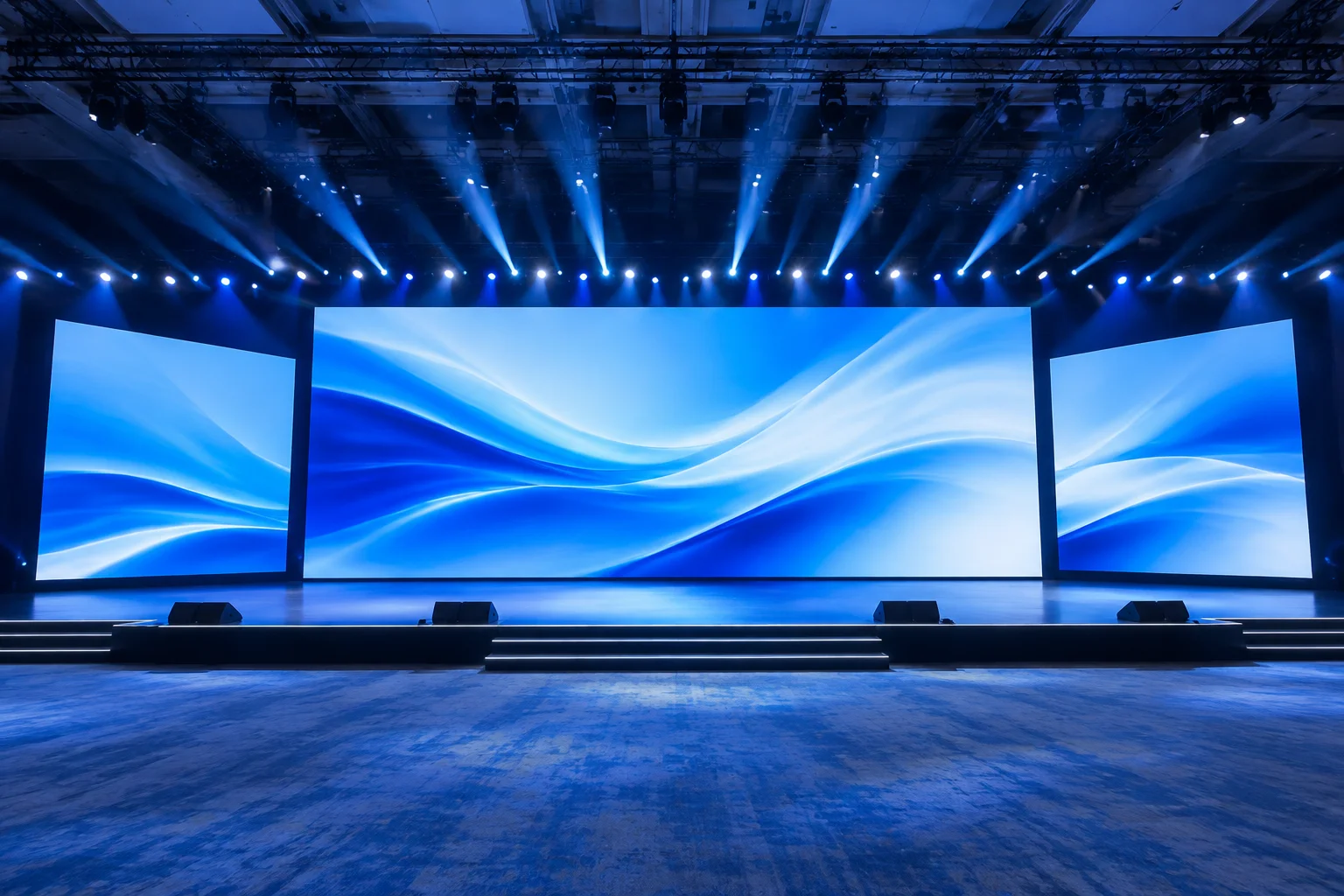
Architectural Purpose of the Triple-Display Canvas
The three-screen stage configuration represents the standard for plenary halls, global summits, and executive keynotes. In this physical arrangement, a prominent center screen anchors the stage while two matching wing screens flank the left and right sightlines. Many technical directors treat this trio as a simple distribution amplifier problem by cloning one slide deck to all three rasters. That habit wastes visual real estate and fatigues attendees positioned on the hall perimeters.
A mature output route separates these three audience surfaces into distinct logical destinations. The center screen serves as the core narrative driver, dedicated to high-resolution slide typography, data visualizations, and widescreen cinematic reels. Meanwhile, the side displays cater to peripheral sightlines, presenting magnification camera feeds, contextual speaker credentials, or ambient brand textures that reinforce the presentation without competing for focal attention.
Primary Functional Roles Across the Three Feeds
Assigning individual roles to each physical screen prevents visual clutter and allows rapid operator switching during live keynote transitions. The core framework relies on four specific allocation guidelines:
- Center Projection or LED Wall: Reserved strictly for core presentation decks, product demonstration videos, and widescreen synchronized hero graphics.
- Flanking Audience Displays: Configured to switch between live low-latency camera tracking (IMAG) for large halls and synchronized secondary slide summaries for wide seating zones.
- Independent Lower-Third Overlays: Routed through dedicated key-fill channels so participant bios and live audience polling display only on side wings without occluding center charts.
- Auxiliary Confidence Monitors: Isolated completely from the audience canvas, delivering presenter clocks, current cue thumbnails, and speaker notes directly to the floor.
Cloning the identical keynote deck across three massive stage screens produces visual noise. A deliberate output map coordinates three screens to function as one unified, readable canvas.
— Andrew Scott, Display Systems Architect
Timing Sync and Signal Integrity Safeguards
Managing three concurrent audience outputs requires disciplined genlock and frame-rate synchronization. Even a single frame of latency differential between the center canvas and flanking IMAG screens breaks audience immersion during speech delivery. Engineers route separate SDI or SMPTE 2110 feeds from a synchronized presentation server into a matrix switcher, preserving native raster resolutions and preventing EDID renegotiation drops during live presenter handoffs.
No comments yet. Be the first to leave a comment.
Submit Technical Field Note
Share display configuration experiences and routing parameters.
Discussion & Verified Feedback
0 Records