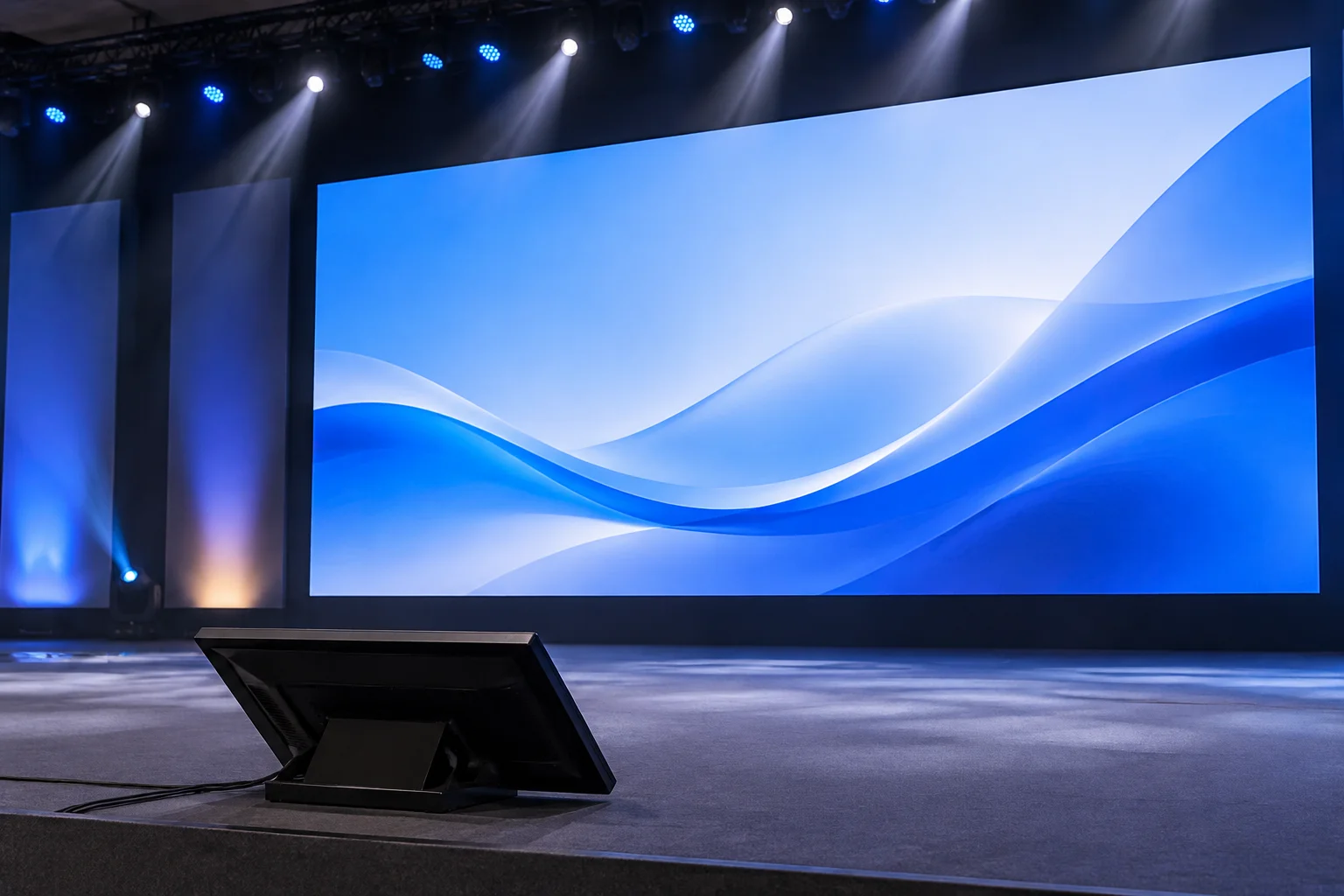
Functional Divergence Between House Feeds and Stage Monitors
In professional multi-screen staging, routing identical video signals to every display across the auditorium creates significant operational friction. Audience displays exist to produce emotional resonance, reinforce spoken narrative, and present high-clarity branded media. These projection surfaces and LED backdrops demand clean typography, rich backgrounds, calibrated aspect ratios, and seamlessly integrated lower thirds that never compete with the physical speaker.
Confidence monitors and downstage wedges serve an entirely utilitarian function as live telemetry instruments. Presenters operating under blinding stage lights cannot read dense slide text or parse complex graphic layouts. A stage monitor must provide immediate situational awareness through large-format countdown timers, high-contrast slide prompts, and next-item previews without decorative background elements that dilute readability.
Core Operational Requirements for Downstage Confidence Displays
When drafting an output map for downstage displays, readability overrides artistic presentation. Mirroring the front-of-house feed forces speakers to turn their backs on the audience to verify their content, degrading presentation quality. Dedicated stage monitor feeds isolate critical real-time cues:
- High-contrast countdown clocks and show runtime timers rendered in amber or green over solid black backgrounds.
- Dual-pane preview blocks that present the active slide alongside the immediate next slide for smooth transitions.
- Presenter speech notes formatted in high-legibility sans-serif typefaces scaled for effortless reading from standing distance.
- Discrete communication banners allowing the control booth to transmit urgent cues, time warnings, and Q&A prompts.
An audience screen is an emotional canvas designed to inspire the room; a stage monitor is an instrument panel engineered to keep the speaker confident and on schedule.
— Michael Vance, OutputRoute Fieldguide Technical Director
Preventing Signal Contamination Across Discrete Display Fabrics
Modern presentation software and hardware switchers isolate stage monitors onto dedicated physical outputs with tailored layer stacks. Accidental routing of presenter notes to an audience LED wall disrupts the attendee experience, while sending moving video loops to confidence wedges produces glare and visual confusion on stage. Establishing isolated logical destinations within your pre-production output map guarantees that each screen receives solely the graphics, prompts, or timing telemetry engineered for its specific viewer group.
David R.
Great explanation of the different screen purposes.
Sarah L.
Event DirectorVery helpful for our upcoming event.
Submit Technical Field Note
Share display configuration experiences and routing parameters.
Discussion & Verified Feedback
2 Records