Routing & Layer Architecture

Targeted Screen Looks and Layer Visibility

Core Routing Engine Protocol: Independent Target Mapping

Directing Discrete Visual Layers Without Duplicating Cues

Looks allow live production operators to route specific presentation layers—such as Slide Text, Background Video, Masking, Messages, and Props—to distinct target screens simultaneously. Instead of duplicating song slides or announcements for in-house projection, stage confidence monitors, and broadcast live streams, an active Look routes each layer dynamically according to defined visibility states and alternate slide themes.

Granular Layer Masking Suppress lyric video backgrounds from broadcast key/fill outputs while preserving rich worship motion graphics for the auditorium center screen.
Live Theme Replacement Apply lower-third text formatting for stream encoders while sending centered multi-line typography to main auditorium displays from the identical presentation trigger.
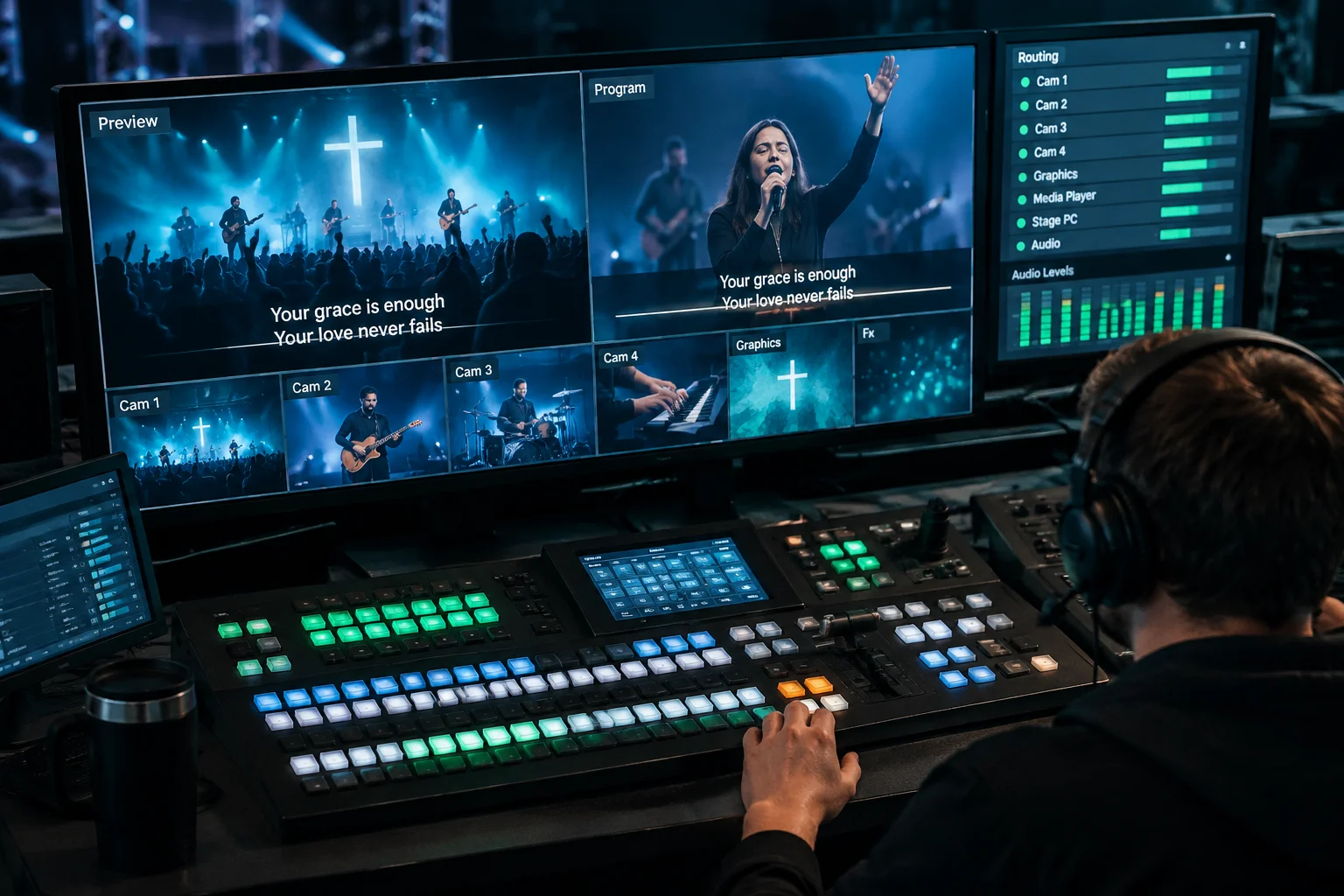
Multi-target screen looks interface showing layer visibility matrix across auditorium and broadcast streams
Interactive Inspector

Layer State Verification Matrix

Select an active production scenario to review how presentation layers are isolated, routed, or masked across different display destinations.

Operational Objective:

Worship mode routes dynamic motion background video and centered lyrics to the main LED wall while isolating clean two-line lower-thirds over alpha channel to broadcast SDI.

STATE: PROD-W01 ACTIVE
Target 01

Auditorium Main LED

Direct HDMI/SDI

Primary high-brightness physical canvas for congregational visibility.

  • Media Layer ACTIVE
  • Slide Text FULL THEME
  • Announcements/Props MUTED
  • Messages Layer ACTIVE
  • Mask Layer BEZEL MASK
Target 02

Broadcast Stream

NDI / Key & Fill

Hardware switcher input for internet encoding and recording feeds.

  • Media Layer TRANSPARENT
  • Slide Text LOWER THIRD
  • Announcements/Props MUTED
  • Messages Layer MUTED
  • Mask Layer BYPASSED
Target 03

Stage Confidence

Stage Display Feed

Performer and speaker visual timing, chord charts, and next slide cues.

  • Media Layer MUTED
  • Slide Text HIGH CONTRAST
  • Announcements/Props MUTED
  • Messages Layer STAGE ALERTS
  • Mask Layer BYPASSED

Rule of Clear Destinations

Never execute manual layer muting mid-service. Attach specific Look presets to macro cues or the first slide of every presentation group. This ensures lighting transitions, graphic themes, and video transparency flip precisely on cue without operator error.