
Independent Display Routing Guide

Understand Where Presentation Content Goes

Explore audience screens, stage displays, output assignments, and multi-screen presentation layouts through independent visual cases. OutputRoute Fieldguide explains the decisions behind reliable screen planning.

Verified for Multi-Screen Stages
Zero Unassigned Outputs
Discrete Stage Feeds
OUTPUT / ROUTE 03
Active Matrix
4 Target Destinations

Audience wall, speaker monitor, stream feed, and tech preview.

99% Deterministic Mapping

Zero unrouted layers or unexpected test-pattern interruptions.

11 Documented Cases

Independent architectural plans from simple keynotes to dual stages.

0 Signal Bleed

Discrete timing and presenter notes fully shielded from attendees.

Illustrative Educational Case

Core Event Output Allocation

A standardized multi-destination configuration showing distinct signal roles assigned to each display zone during live session delivery.

Display Role Target Audience Content Purpose Signal Destination
Main display
Attendees Presentation visuals

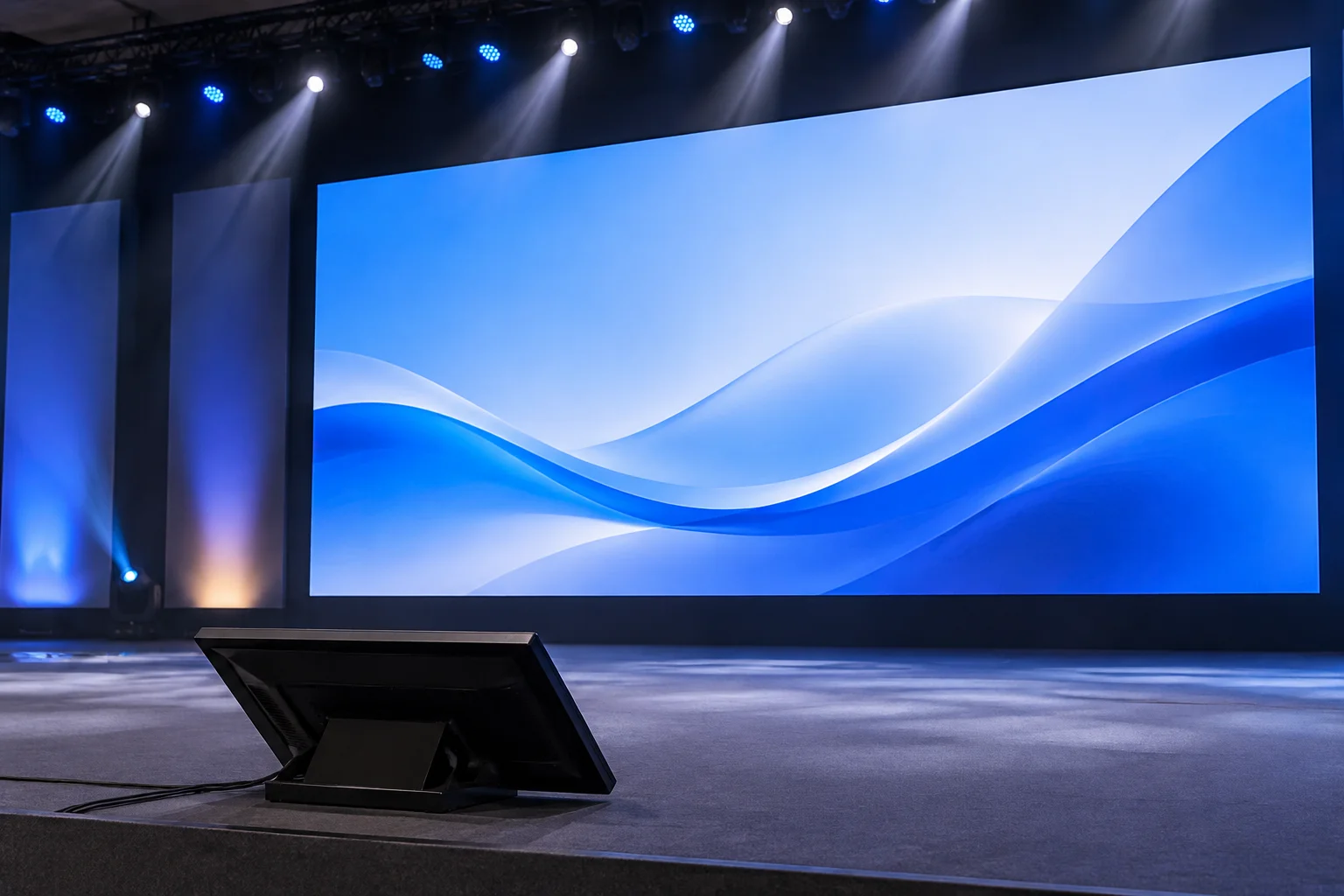
High-resolution slide media, primary keynote graphics, and live visual playback.

Auditorium Center LED / Projection
Stage monitor
Speaker Notes and next-slide context

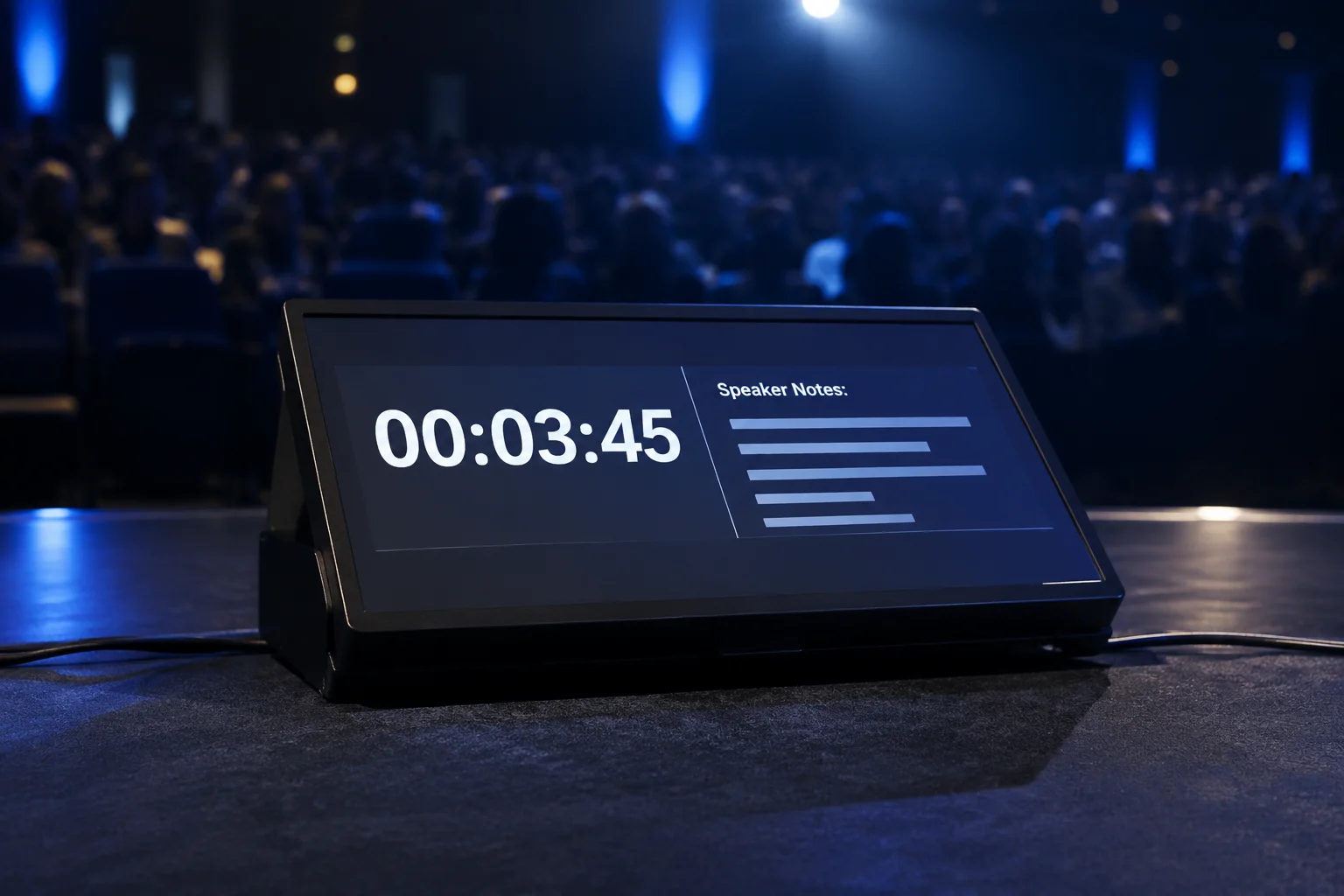
Presenter speaker notes, live pacing timer, and upcoming visual cue preview.

Downstage Confidence Floor Wedge
Side display
Attendees Selected presentation content

Curated segment relays, secondary lower-third details, or translated keynotes.

Left & Right Audience Delay Screens
Hardware & Output Disclaimer

Support for any number of screens or video devices is not guaranteed: compatibility depends on configuration and hardware.

Signal Path Blueprint

The Three-Screen Conference: Architecture & Routing

Canvas 01 • Stage Left 1080p • 60Hz

IMAG Presenter Feed

Dedicated live optical relay magnifying on-stage talent for audience sightlines beyond the tenth row. Zero slide graphics bleed into this feed to preserve pure low-latency focus.

Pipeline Target: Aux 1 → SDI Output 1
Latency Profile: < 1 Frame Genlocked
Canvas 02 • Center Wall 4K UHD • 60Hz

Primary Slide Canvas

High-resolution keynote graphics, playback videos, motion branding, and multi-window picture-in-picture. Serves as the cognitive center of audience attention throughout plenary keynotes.

Pipeline Target: Main Mix → HDMI/DisplayPort
Color Depth: RGB 4:4:4 10-Bit
Canvas 03 • Stage Right 1080p • 60Hz

Dynamic Data & Slido

Audience Q&A rankings, live participant polling, session agenda milestones, and sponsored lower-thirds. Synchronized via discrete web render layers without interrupting slide playback.

Pipeline Target: Aux 2 → SDI Output 2
Feed Refresh: Adaptive Web Stream
Architecture Separation

Logical Destinations vs. Physical Transmission

Confusing logical visual targets with hardware output ports is the number one cause of misdirected video cues. Logical screens live in software; physical outputs live on backplane connectors.

Logical Screen Entity Software Responsibility Hardware Port / Format Physical Destination
Audience Left (IMAG) Switched camera follow, presenter lower-thirds SDI Out 1 • 1080p59.94 Left Stage LED Wall / Projector
Audience Center (Deck) Keynote deck, video master, keynote speaker audio sync HDMI 2.0 • 3840x2160 Main Central Backdrop Canvas
Audience Right (Context) Live attendee interaction, sponsor rotation, speaker bio SDI Out 2 • 1080p59.94 Right Stage LED Wall / Projector
Stage Confidence Speaker timer, upcoming slide thumbnail, private prompter HDMI Out 2 • 1080p60 Downstage Wedge Monitors
Operator Runbook

Pre-Show Verification Checklist

Verify hardware lock, EDID handshake, and canvas independence before auditorium doors unlock.

0 of 5 Validated

Unassigned Output Port

A logical screen layer is configured in software, but physical card mapping remains blank, causing black screen or wallpaper spill during transitions.

Remedy Bind hardware target ID in display preferences and bind to static matrix input.

EDID Re-Negotiation

Projector power cycling causes the operating system to re-detect screens, reordering canvases and tossing center slide decks to side screens.

Remedy Place active hardware EDID ghost adapters on every physical graphics card port.

Aspect Ratio Squish

Pushing 16:9 slides onto an ultra-wide panoramic canvas without pixel mapping, distorting typography, diagrams, and speaker face ratios.

Remedy Set 1:1 pixel scaling or Pillarbox background letterboxes inside the scaler preset.

Video Tear & Drift

Mixing non-synchronized displays running at 59.94Hz and 60.00Hz causes periodic frame drops and visual stutter during live panning shots.

Remedy Lock all media servers and display processors to a shared Blackburst/Tri-Level sync genlock.
Output Architecture

Audience Screens and the Power of Looks

Compare how screen layers shift across two front-of-house displays while stage monitors run independent layouts configured outside the Looks matrix.

FOH Screen 1 & Screen 2

Look: Keynote Presentation
Screen Left (Main Slide)
Corporate Strategy 2027
Live Speaker Caption
Screen Right (Support Media)
Quarterly Growth Chart
Subtitle Translation

Active Layer Visibility Rules

Layer Audience Left Audience Right Role in Look
Slide Text Active Active High-contrast corporate typography
Media Background Active Active Looping ambient motion graphics
Props / Lower Thirds Muted Muted Hidden to prevent slide collision
Edge Blend / Mask 16:9 16:9 Symmetric physical boundary mapping

Stage Screen Independence

Independent Pipeline
Floor Confidence Monitor (Layout: Presenter Clock) 14:32 REMAINING
Current Slide Reference

Corporate Strategy 2027 Key Pillars

Speaker Notes & Next

Address third bullet point regarding regional expansion before transition.

Why Stage Layouts are Separate from Looks

Looks control layer switches (text, video, overlays, props) exclusively for Audience screens. Confidence monitors operate through dedicated Stage Layouts which process clocks, stage messages, chord charts, and slide notes without altering the front-of-house visual integrity.

Output Boundaries

Specification of Routing Scope

Clear division of signal responsibility to eliminate operational friction before production setup begins. The right content must reach the right screen without ambiguity.

Fully Covered

Engineered

Dedicated setup, management, and verification of screen destinations within the media playback and routing engine.

  • Logical Screen Mapping

    Configuring discrete logical outputs for main projection, stage displays, and confidence monitors.

  • Multi-Look Preset Switching

    Pre-programming slide layers, video masks, and lower-third graphics tailored per screen destination.

  • Stage Display Layouts

    Presenting real-time speaker timers, next-slide cues, and private speaker notes invisible to the audience.

  • Aspect-Ratio Formatting

    Pixel-accurate canvas scaling to eliminate unwanted pillarboxing and image distortion on wide surfaces.

  • Pre-Show Output Auditing

    Rigorous live test patterns and EDID handshake verification across every physical feed prior to doors.

Out of Scope

Venue & Client

Hardware rigging, general staging infrastructure, and external media production outside the presentation switch system.

  • Physical LED & Truss Rigging

    Structural rigging, motor hoisting, and ground support engineering managed by venue staging crew.

  • Slide Deck Copywriting

    Authoring speaker copy, typography edits, or slide graphic design must be completed prior to rehearsals.

  • Live Broadcast Audio Mixing

    Front-of-house room acoustics, microphone balancing, and PA amplification handled by audio engineers.

  • Mains Power Distribution

    Provisioning venue power distribution boxes, line isolators, and generator feeds for rental gear.

  • Remote Video Conferencing Control

    Managing Zoom or Teams breakout rooms, chat moderation, and external incoming participant audio.

Need layout validation before the call sheet?
Review our pre-show verification checklist and matrix specifications.
Event Routing Glossary

Niche Terms Explained in One Plain Line

Essential terminology demystifying how multi-screen corporate and conference stages distribute live visuals without technical friction.

Displays & MonitorsTERM 01

Confidence Monitor (DSM)

A low-profile stage monitor facing speakers that displays current slides, presenter notes, and timing clocks invisible to the audience.

Destination: Stage Floor
Routing & MappingTERM 02

Logical Screen

A software-defined virtual canvas decoupling visual composition rules from the physical video hardware ports on your media server.

Architecture: Control Engine
Routing & MappingTERM 03

Physical Output

A dedicated hardware connector (such as HDMI, 12G-SDI, or an NDI network pipe) transmitting raw video frames directly to a display processor.

Architecture: Hardware Port
Layers & LooksTERM 04

Look (Screen Preset)

A single programmed snapshot that instructs multiple target screens precisely which graphic layers to show or hide for a specific event cue.

Target: Multi-Screen Cue
Displays & MonitorsTERM 05

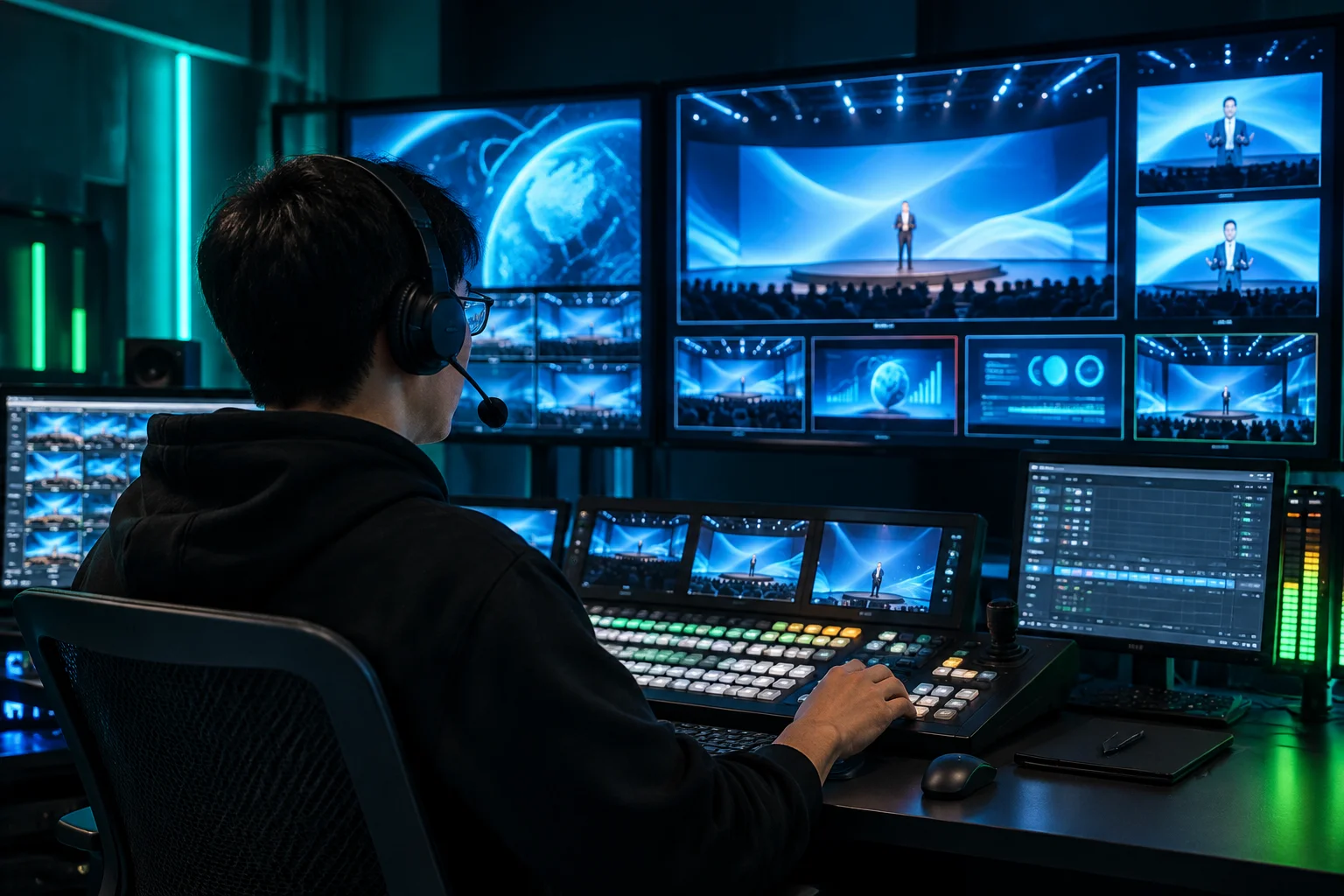
Multiviewer

A consolidated operator screen displaying real-time previews of all active inputs, stage layouts, and audience projections in one view.

Destination: Control Booth
Layers & LooksTERM 06

Layer Masking

The technique of isolating specific presentation elements so speaker lower-thirds or subtitles appear on side screens without obscuring main content.

Target: Audience Feeds
Routing & MappingTERM 07

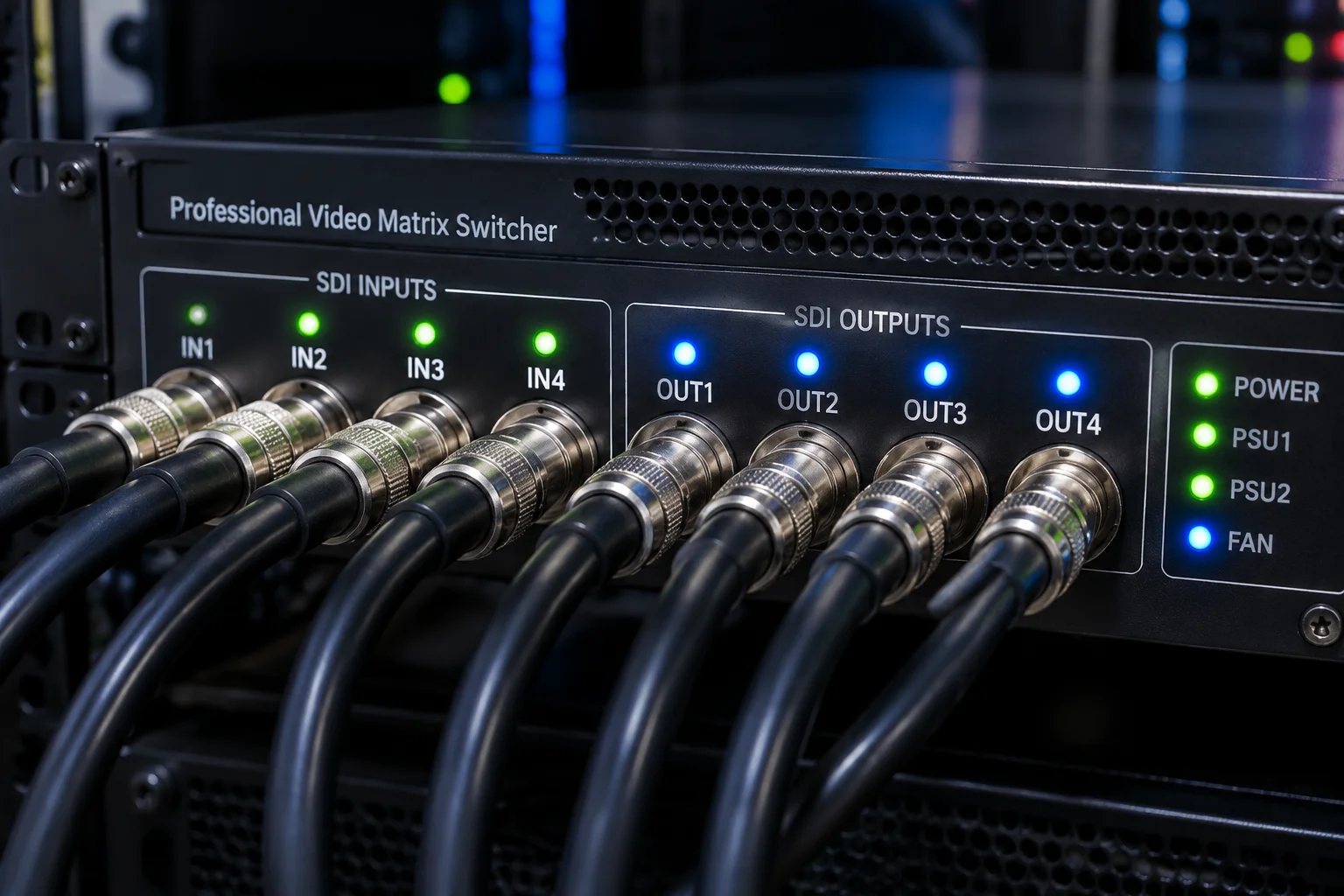
Matrix Switcher

A core routing hardware system that routes any video input source to any screen output on demand without manual cable switching.

Architecture: Signal Backbone
Displays & MonitorsTERM 08

Program Output (PGM)

The final broadcast-ready video feed rendered specifically for public audience projection walls, recording systems, or live streams.

Destination: Public Display

Need assistance configuring screen maps or validating stage monitor layouts before showtime?

Global Delivery & Remote Pipeline

Operating Reach & Remote Workflow

OutputRoute Fieldguide provides cross-border technical consultation and structured remote screen verification for live summits, corporate keynotes, and hybrid event broadcasts worldwide.

AmericasUTC-8 to UTC-4

North America

Supporting technical directors across the United States and Canada with primary alignment during standard East and West Coast production build schedules.

  • Dual-operator rehearsal coverage
  • Arena LED and multi-projector routing
  • Fast turnaround showfile audit
Response Time:Under 2 hours
Europe & UKUTC+0 to UTC+2

EMEA Production Hubs

Direct synchronization with European staging teams, handling multilingual screen layouts, simultaneous interpretation feeds, and SDI distribution matrices.

  • Multilingual lower-third routing
  • SMPTE 2110 & NDI routing plans
  • Pre-flight confidence display testing
Response Time:Under 2 hours
Asia-PacificUTC+4 to UTC+10

APAC & Middle East

Asynchronous matrix reviews and live overnight rehearsal dispatch for high-density panoramic canvases, global summits, and exhibition spaces.

  • Ultrawide aspect-ratio planning
  • Remote matrix failsafe mapping
  • Asynchronous pre-show validation
Response Time:Same-day handover
01

Workspace & Bundle Ingestion

You provide the export bundle or draft screen layout. We audit your audience screens, confidence monitors, and auxiliary feeds before any physical load-in begins.

02

Low-Latency Multi-View Verification

Through secure live stream previews and direct output captures, our team validates live theme looks, slide layers, and countdown timers across all target destinations.

03

Live Rehearsal Failsafe Audit

During cue-to-cue rehearsals, we monitor output switches in real time, validating that presenter notes never leak to audience displays and mid-event looks trigger cleanly.

Remote Screen Workflow Routing Console

Planning a Multi-Screen Production Across Timezones?

Request a pre-show matrix inspection or connect directly with our engineering team for remote workflow configuration.

Clear Guidance & Certainty

Direct Answers to Real Doubts

Evaluating the cost, deployment schedule, technical complexity, and live support required for deterministic multi-screen distribution.

No. Independent output mapping does not require high-end custom matrices for every room. Utilizing existing dual- or quad-head GPUs alongside standard ProPresenter Screen configurations eliminates auxiliary hardware rentals while separating audience key visuals from presenter confidence feeds.

Direct hardware assignment lowers live rehearsal overhead and prevents costly on-stage presentation restarts by routing presenter notes, timers, and audience slides into fixed logical destinations.

In practice, pre-planned routing maps cut setup times by over 40%. When logical displays are assigned before show day, video technicians verify raster dimensions, EDID locks, and sync signals during initial patch tests rather than diagnosing unassigned feeds during rehearsals.

Using our standardized pre-show display verification routines ensures that each SDI or HDMI cable immediately receives its designated layer without live trial-and-error.

Not at all. The entire engineering logic is decoupled from slide operation. Operators only advance presentation elements using standard next/previous commands or cues.

The routing architecture automatically enforces layer visibility across stage monitors and main projection arrays in the background. Operators focus purely on show progression without toggling video switcher keys mid-speech.

Our fieldguide establishes predefined fallback looks and aspect-ratio scaling templates that maintain uniform pillarbox alignment without distorting output resolutions.

Confidence screens preserve vital speaker telemetry (active slide, elapsed timer, urgent message bar) regardless of incoming source anomalies, guaranteeing uninterrupted on-stage communication.

Have an Unusual Screen Routing Setup?

Discuss your hardware pipeline, matrix configurations, and confidence layouts directly with our engineering team.

Technical Reference

Output Distribution Fieldguides