Auxiliary Stage Displays & Confidence Cues
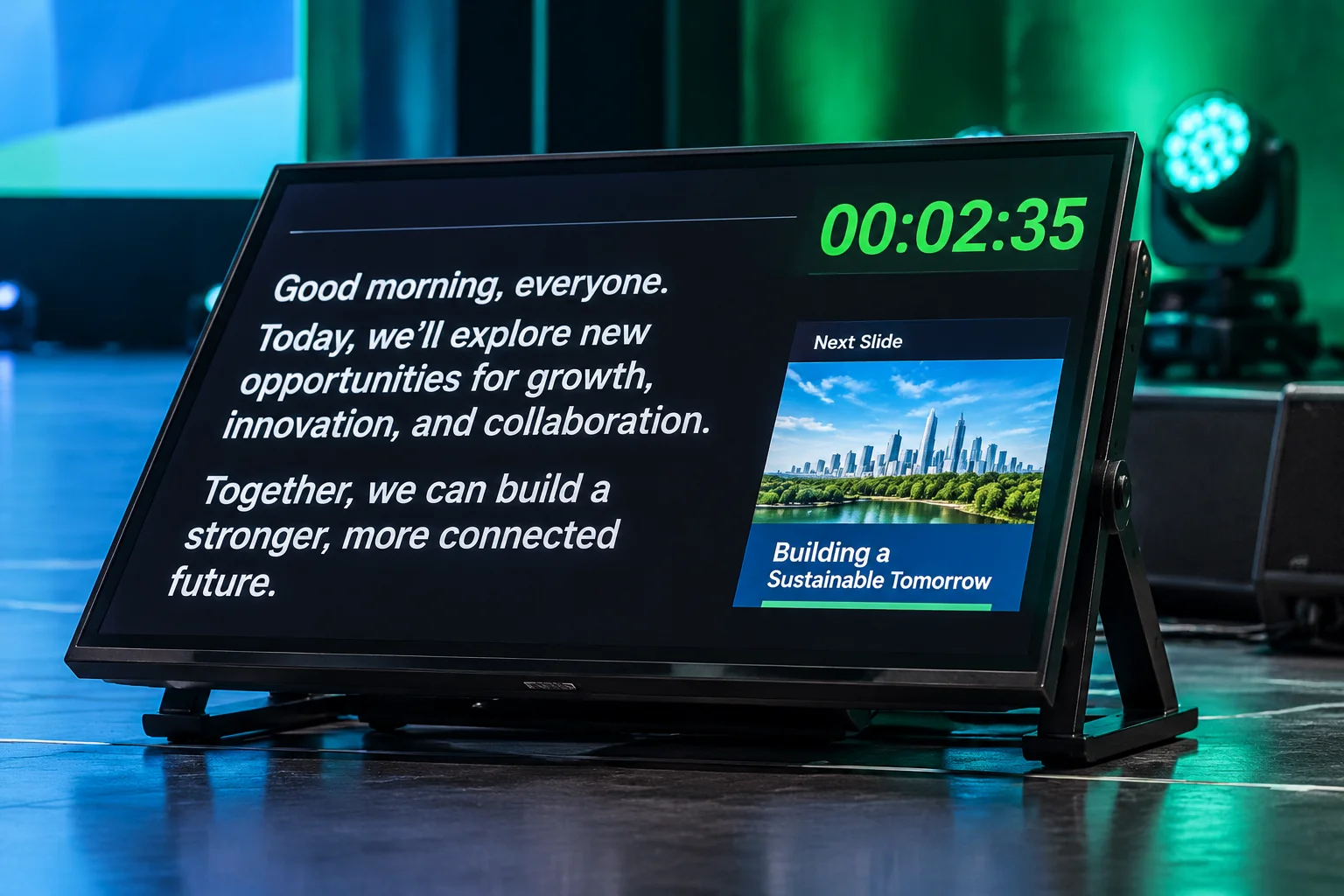
Lectern & Floor Wedge
Optimized for 24-inch floor wedges tilted at 45 degrees. Features high-contrast sans-serif type, real-time clock, countdown timer, and large bulleted speaker notes with auto-scroll.
Wocalist Comfort Monitor
Displays two-line high-visibility lyrics (current and next phrase) alongside musical key notation, vocal harmonies cues, and discreet countdowns into verse transitions.
Musical Director & Band Feed
Transmits chord charts, arrangement flow markers (Intro, Verse, Chorus, Bridge, Tag), master click status, and urgent stage intercom alerts directly to side-stage displays.
Operator Calibration Protocol
Verify these critical parameters on your primary presentation machine prior to feeding confidence monitors.
Review ConfigurationUse bright white or yellow text on pure black backdrops to prevent washed-out visuals under stage wash.
Apply 10% title-safe margins so bezel clipping never cuts off timer edges or slide progress indicators.
Isolate stage feeds from primary audience screens to guarantee unrendered speaker prompts never leak to house.
Configure color shifts to glowing amber or signal red when timers drop below the two-minute threshold.
Need complete stage routing blueprints?
Explore our production screen distribution cases for multi-display hardware environments.