Display Verification & Signal Sanity
Multiviewer Raster & Sync Diagnostic
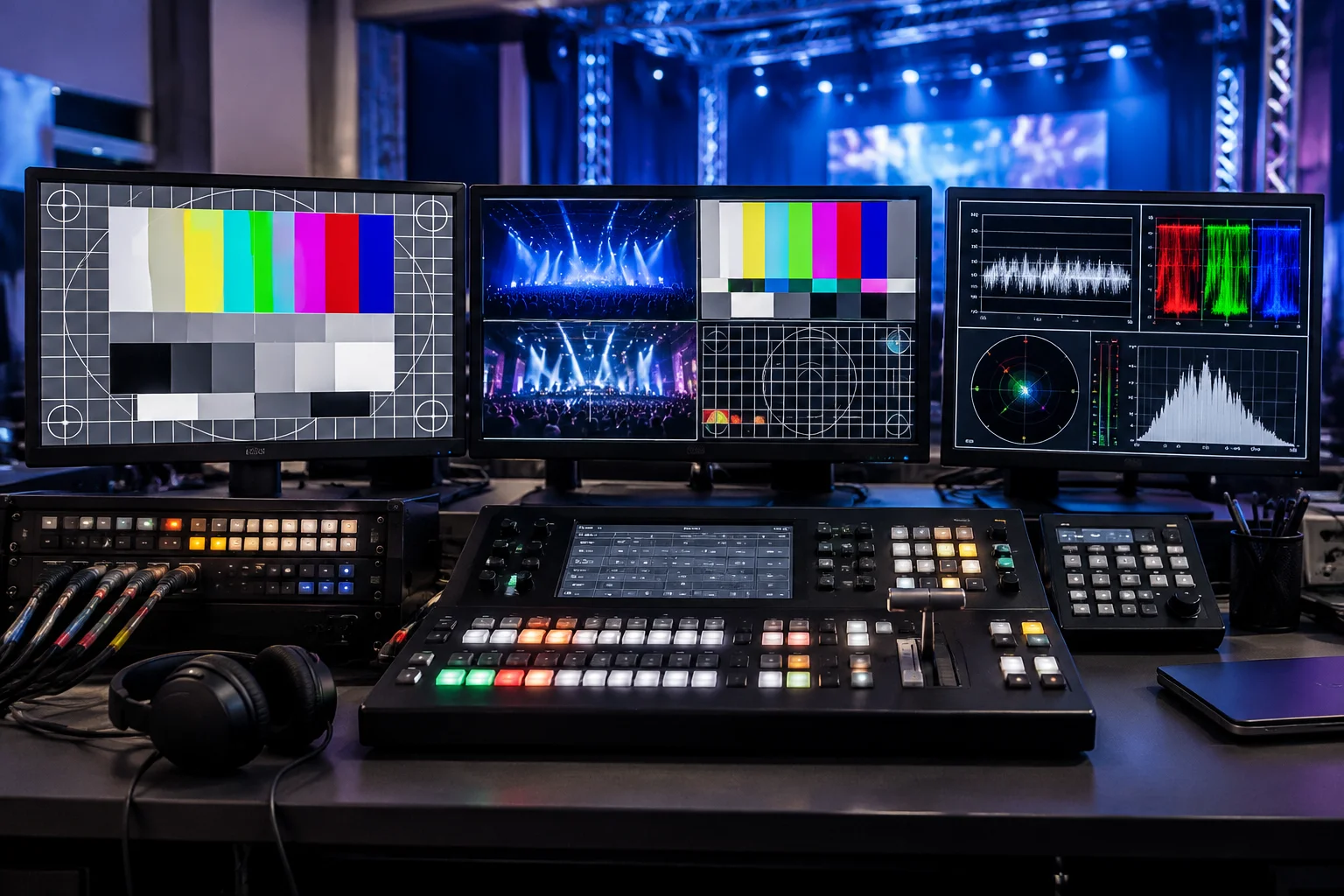
Before opening house doors, lock your canvas clocking. Verify that auxiliary scalers, video wall processors, and downstage confidence monitors register native framerates without micro-jitter or frame conversion tearing.
Execution Checklist
Click items to mark verified status across control pointsEnsure fiber transmitters and capture cards retain forced hardware EDID so desktop resolutions cannot shift during input switching.
Verify 12G/3G link bitrates across primary routing matrices and ensure no micro-sparkling or pixel dropped frames appear on LED processors.
Confirm uninterrupted power supplies (UPS) are online for playback servers, distribution amplifiers, and control surface networks.
Project crosshatch test patterns to detect bezel offsets, overscan cropping, or trapezoidal distortion on projection surfaces.
Inspect 16-step grayscale step wedges to avoid crushed black levels or blown highlights across mismatched LED panel bins.
Check that graphic cards and output scalers match Rec.709 or DCI-P3 targets uniformly without unwanted YCbCr matrix conversions.
Test high-contrast presenter timers, slide notes, and live stage messages against bright wash lights from actual talent angles.
Validate distribution loops to backstage talent dressing rooms and VIP foyers to guarantee clean delay-compensated program audio and video.
Test LTC or network timecode trigger cues on stage timers to confirm master playback sync across lighting, audio, and visual desks.
Simulate primary server disconnect on matrix switcher. Verify seamless auto-failover to redundant machine within single vertical blank.
Trigger dedicated hardware hot-key to instantly push branded holding card or standby graphic to all audience-facing surfaces.
Establish clear voice comms between Video Director, Graphics Operator, FOH Audio, and Stage Manager before standby call.
Live Routing Safety Principle
Never re-patch HDMI or DisplayPort cables into live video switchers during the 30-minute pre-roll count. Digital display protocols re-negotiate HDCP keys upon physical insertion, which can momentarily freeze adjacent auxiliary outputs or induce frame buffer drops.
Audience vs Stage Routing
Compare signal delivery pipelines for front-of-house projectors versus presenter reference displays.
Pre-configured Looks
Switch dynamic screen states, lower thirds, and video layers across targeted outputs instantly.
ProPresenter Screen Setup
Field assessment of screen mapping, alpha channel keying, and multi-display edge blending.