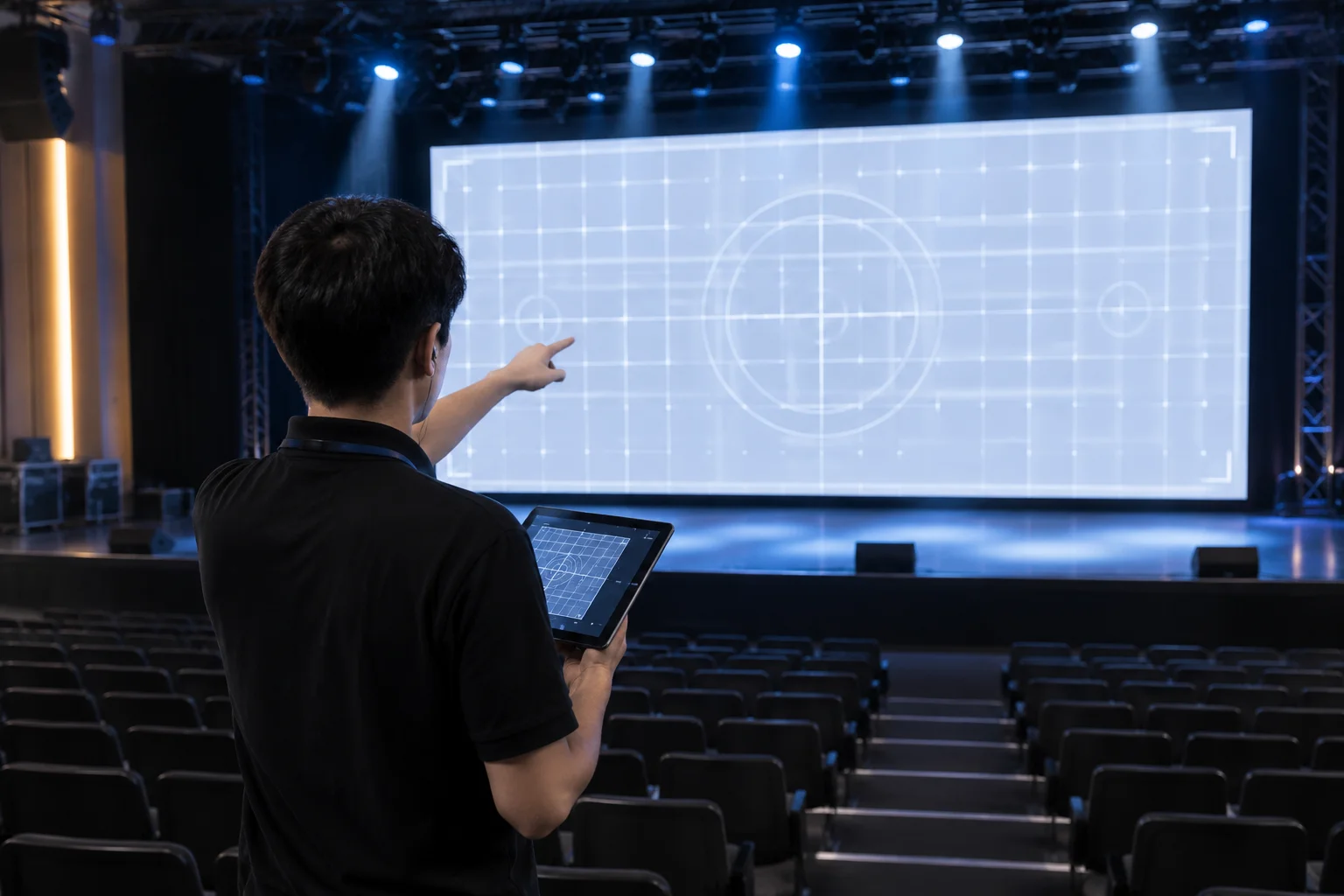
The Cost of Skipped Raster Audits Before Live Showtimes
In high-pressure live production environments, discovering a misassigned auxiliary feed or an unseated EDID handshake after attendees fill the hall creates immediate operational chaos. Physical display hardware frequently reports deceptive connection states to presentation layers. A video switcher may display an active green sync indicator while silently cropping boundary pixels, dropping sync frames, or crushing color depth across distribution scalers.
Stage confidence monitors and speaker prompt feeds present particular vulnerability during tight turnaround rehearsals. Video engineers often dedicate their attention entirely to main projection blending or primary center-stage LED surfaces, leaving downstage confidence displays untested until the keynote speaker steps onto the platform. Establishing a disciplined, repeatable pre-flight verification sequence eliminates guesswork and ensures every output port strictly displays its intended destination raster.
Crucial Inspection Points for the Pre-Flight Checklist
A thorough pre-show checklist requires executing direct physical inspections at the displays rather than relying purely on software multiview previews. Ensure each output passes these four critical operational benchmarks:
- Deploy full-frame pixel-grid crosshatch patterns to confirm 1:1 hardware pixel mapping without hidden interpolation or overscan edge clipping.
- Audit hardware EDID emulation locks on all matrix distribution points to safeguard against resolution resets when physical cables get jostled backstage.
- Physically walk the stage floor to evaluate speaker confidence monitors, verifying real-time sync on slide timers, current slide thumbnails, and next-slide previews.
- Trigger a clean blackout and emergency graphic override to guarantee immediate fallback capabilities without blue-screen stutter or frame buffer flashes.
A display channel is never truly verified until the technician stands where the speaker stands and confirms that the confidence clock matches front-of-house reality.
— Brian Wilson, Lead Video Systems Engineer
Separating Software Rendering from Physical Distribution Failures
When unexpected image distortion or black screen behavior emerges during system checks, the engineer must immediately isolate software canvas mapping from hardware distribution fabric. Presentation software preview panes show only what the internal graphics engine renders; they cannot detect a disconnected SDI DA or a failing optical HDMI run downstream. Generating labeled test rasters containing explicit output channel identifiers immediately reveals whether a physical matrix switcher has inverted destination lines or mismatched downstream sync rates.
No technical field notes recorded yet. Be the first to submit a note below.
Submit Technical Field Note
Share display configuration experiences and routing parameters.
Discussion & Verified Feedback
0 Records