The Fundamental Mismatch Between House and Stage Needs
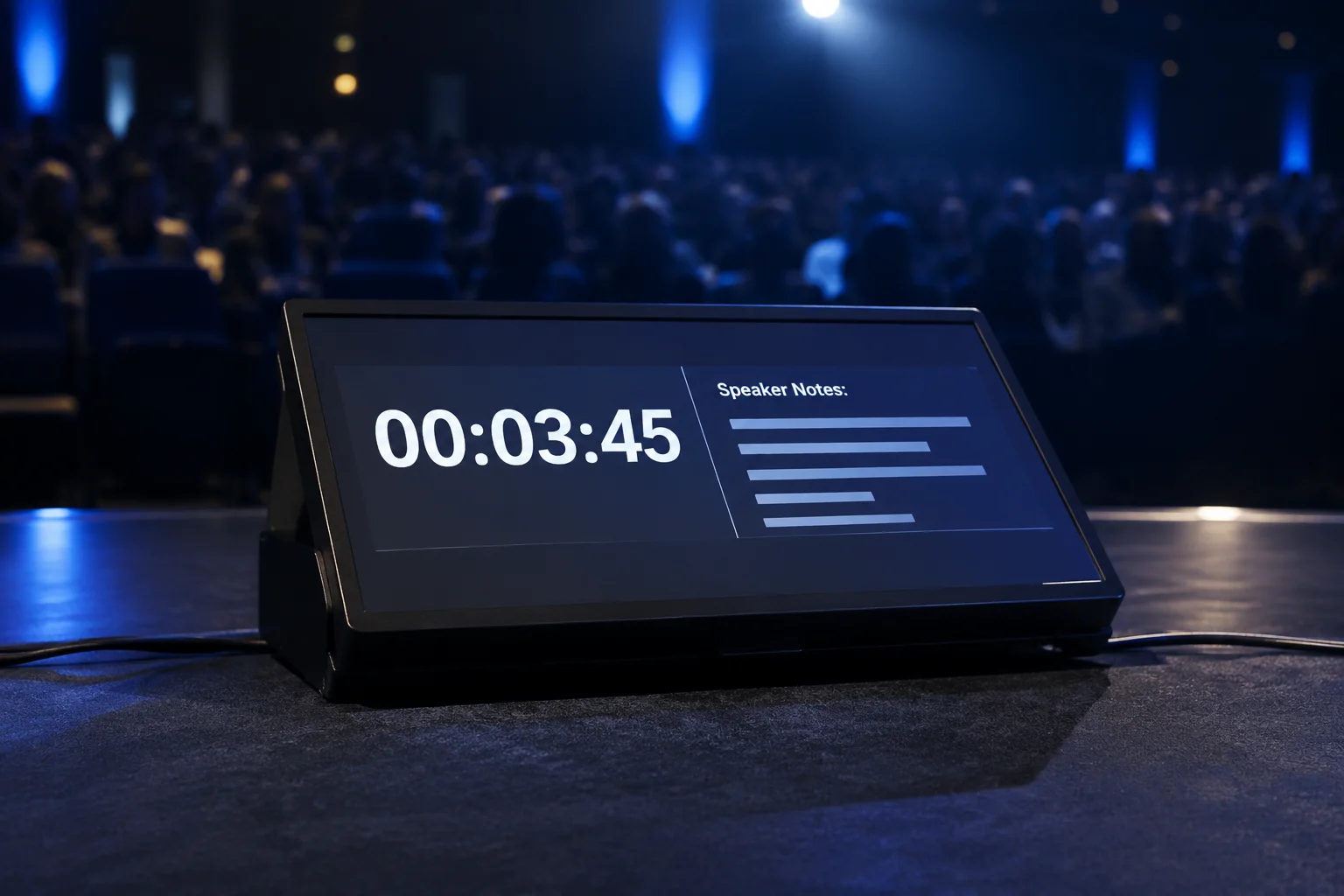
Audience screens exist to convey finalized thoughts, polished typography, and high-impact visual media. Presenters standing under theater illumination experience an entirely different operational reality. A speaker needs orientation data rather than visual polish, requiring immediate certainty about what slide is currently projected behind them, what concept arrives next, and how many minutes remain in their allocated session slot.
Mirroring the audience projection directly onto stage monitors creates an uncomfortable cognitive burden. When the downstage floor screen merely duplicates the hall canvas, speakers continually turn their necks to confirm synchronization. Discrete stage display routing eliminates this distraction by separating presenter assistance data into an isolated physical video feed governed by customized layout presets.
Crucial Data Streams Needed Exclusively by the Presenter
A purpose-built stage layout strips away decorative branding elements and high-contrast ambient animations, dedicating valuable screen surface to practical metrics that preserve delivery pacing:
- High-contrast countdown clocks that flash amber or red during the final two minutes to prevent scheduling overruns.
- Upcoming slide preview boxes that allow speakers to build natural vocal transitions before triggering the next slide build.
- Dynamic speaker notes rendered in high-legibility sans-serif text scaled specifically for reading from a six-foot standing distance.
- Private stage messaging overlays sent from the video control booth to alert presenters to audio adjustments or mic battery levels.
When a confidence monitor duplicates the audience screen, it solves an equipment checklist requirement while completely failing the presenter on stage.
— Amanda Wright, Live Production Field Engineer
Preventing Presenter Disorientation During Multimedia Playback
During video rollouts or complex graphic transitions, audience displays frequently show full-bleed motion graphics without textual markers. If the stage screen mirrors that playback file, the speaker loses all contextual progress indicators and has no visual clue about the immediate return to live slides. Independent stage layout routing maintains continuous timer readouts and cue points alongside the motion preview thumbnail, keeping the host anchored throughout the transition.
Chris B.
Stage monitors are often overlooked, thanks for this.
Mark D.
Production DirectorPresenters definitely need different content.
Submit Technical Field Note
Share display configuration experiences and routing parameters.
Discussion & Verified Feedback
2 Records