Standard Event Screen Topologies
Direct Single Center Projection
The foundational baseline topology utilizing a single high-lumen laser projector or central LED video wall. Designed for keynotes and corporate summits where full-screen presentation slides, worship lyrics, and media playback occupy the entire canvas without multi-window segmentation.
Main Content with Flanking IMAG
The industry standard for large auditoriums and arena productions. A central high-resolution display hosts presentations, graphics, and video rolls, while left and right auxiliary screens provide low-latency live camera close-ups of the speaker with optional overlay lower thirds.
Ultra-wide Panoramic Backdrop
Spanning the entire rear stage, this arrangement uses multi-projector soft-edge blending or custom pixel-pitch LED processors. It requires synchronized multi-head output mapping to render seamless atmospheric backgrounds alongside floating picture-in-picture content zones.
Presenter Stage Confidence Foldback
Downstage monitors placed strictly out of audience sightlines. Designed specifically for presenters, vocalists, and keynote speakers to preview elapsed time clocks, countdowns, speaker slide notes, current lyrics, and upcoming video cues without audience distraction.
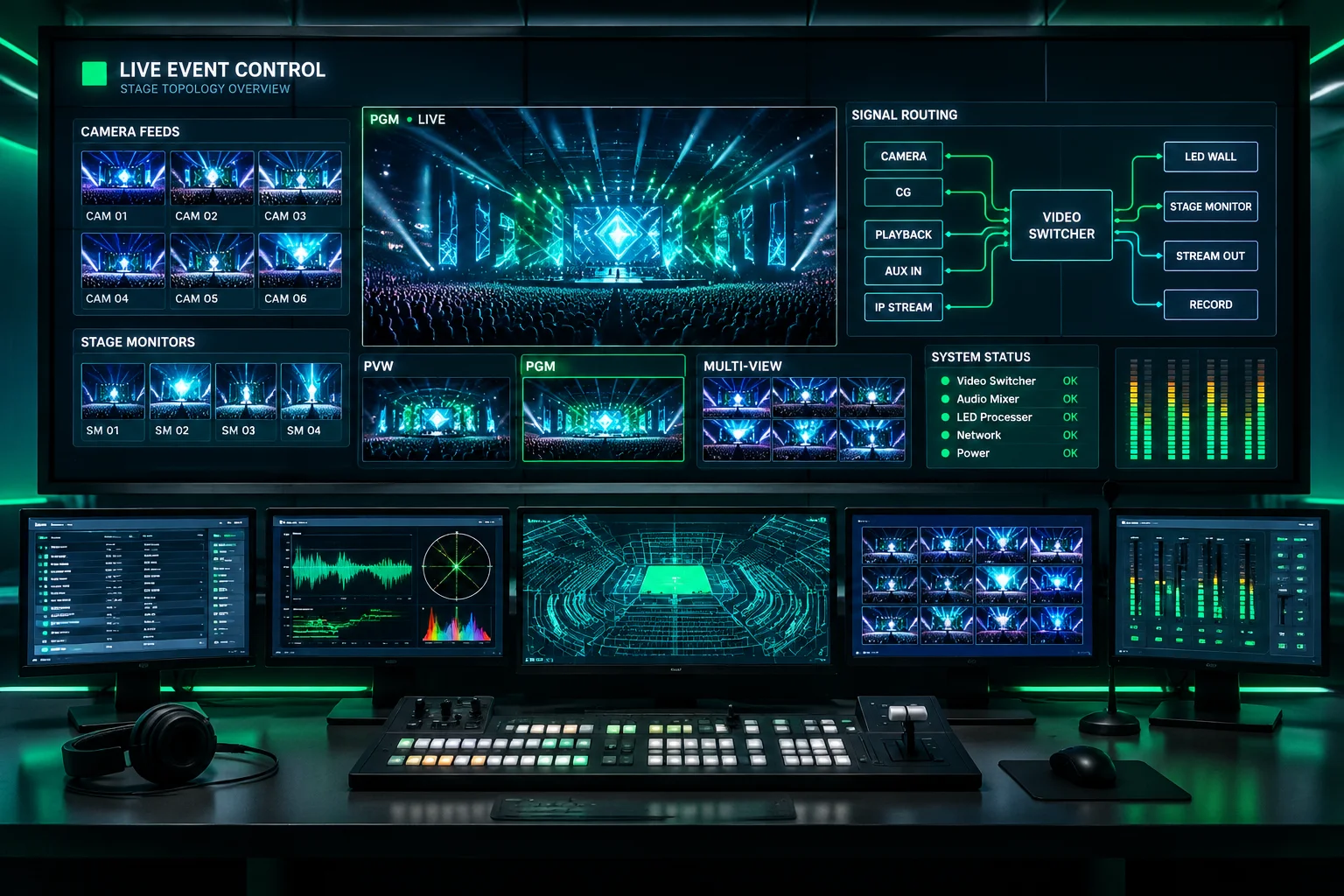
Hardware Synchronization & Pre-Show Discipline
Selecting the correct layout is only step one. Delivering artifacts-free imagery across heterogeneous display systems requires strict refresh matching, hardware EDID handshake validation, and redundant preview routing.
- Zero frame dropping through unified 59.94Hz or 60Hz timing clock generation.
- Dedicated video switcher integration for hot-standby fallback redundancy.
- Consistent color management profiling across LED pitch panels and projection units.