Divergent Signal Priorities: Front-of-House Canvas vs. Stage Confidence
Audience displays inspire, inform, and sustain immersion through polished multi-layer visuals. In contrast, onstage confidence displays exist exclusively to provide operational certainty, telemetry, and critical pacing cues to talent without cognitive overload.
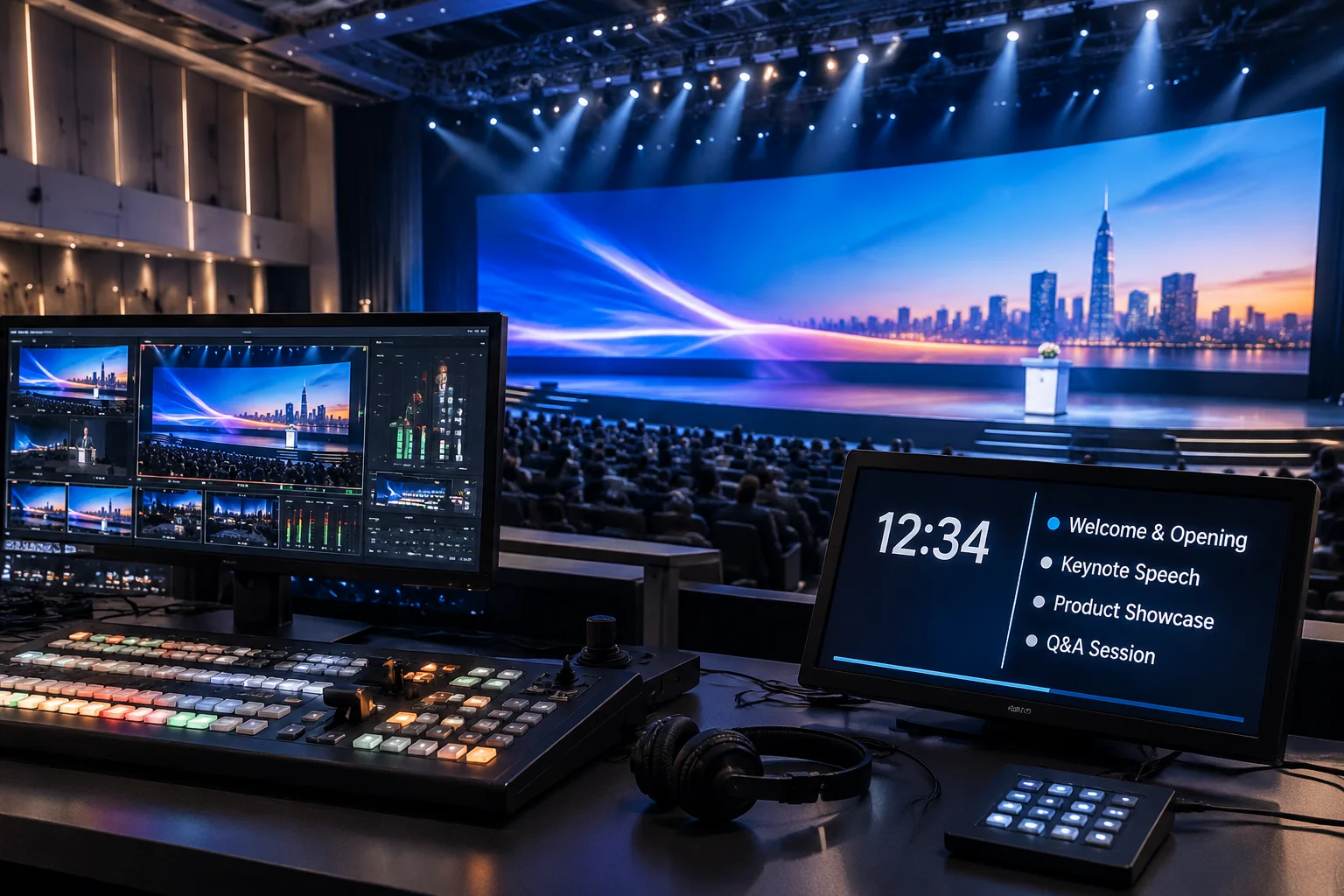
Visual Polish vs. Low-Latency Clarity
Front-of-house LED walls, side IMAG screens, and auxiliary lobby displays prioritize color grading, seamless motion graphics, alpha overlays, and camera feeds. Stage monitors prioritize glanceable legibility, strict contrast, and exact timing metrics.
- • 4K/UHD scenic graphics
- • Lower-third keying
- • Broadcast latency tolerance
- • Dynamic visual transitions
- • Sub-second zero-latency
- • Current & next slide cues
- • Speaker countdown clocks
- • High-contrast chord / notes
Inspect Feed Requirements by Role
Select a production endpoint to inspect target resolutions, critical data layers, and layout fail-safes.
Global Leadership Forum 2026
Multi-source dynamic keying with live alpha masking
Audience Screen Configuration
Audience canvases demand immaculate aesthetic execution. Text typography is styled for large-scale sightlines, color values are calibrated to stage lighting fixtures, and video loops run seamlessly without harsh cuts.
Primary Objectives
- • Present key imagery, video loops, and motion titles without distraction
- • Ensure readable contrast across distant stadium or sanctuary seats
- • Hide downstream operational markers, countdowns, and cue prompts
Never mirror the audience output directly to stage wedges. Talent will miss critical timers, while audience members will see cue clocks that break theatrical engagement.
Look Routing Separation
Isolate layer visibility so lyrics or title overlays pass to the audience screen while stage monitors receive stripped high-contrast text and lead notes.
Output Maps Alignment
Standardize physical display outputs across auxiliary Blackmagic DeckLink cards, NDI networks, and downstream video distribution splitters.
Pre-show Verification
Walk the stage and seating zones with our verification checklist to guarantee timer sync, contrast ratios, and line-of-sight clearance prior to curtain up.
Ready to Configure Your Screen Engine?
Dive into our step-by-step ProPresenter setup review, examine verified screen cases, or contact our engineering dispatch for custom multi-display system consultations.