The Architectural Separation of Virtual Canvas and Hardware Port
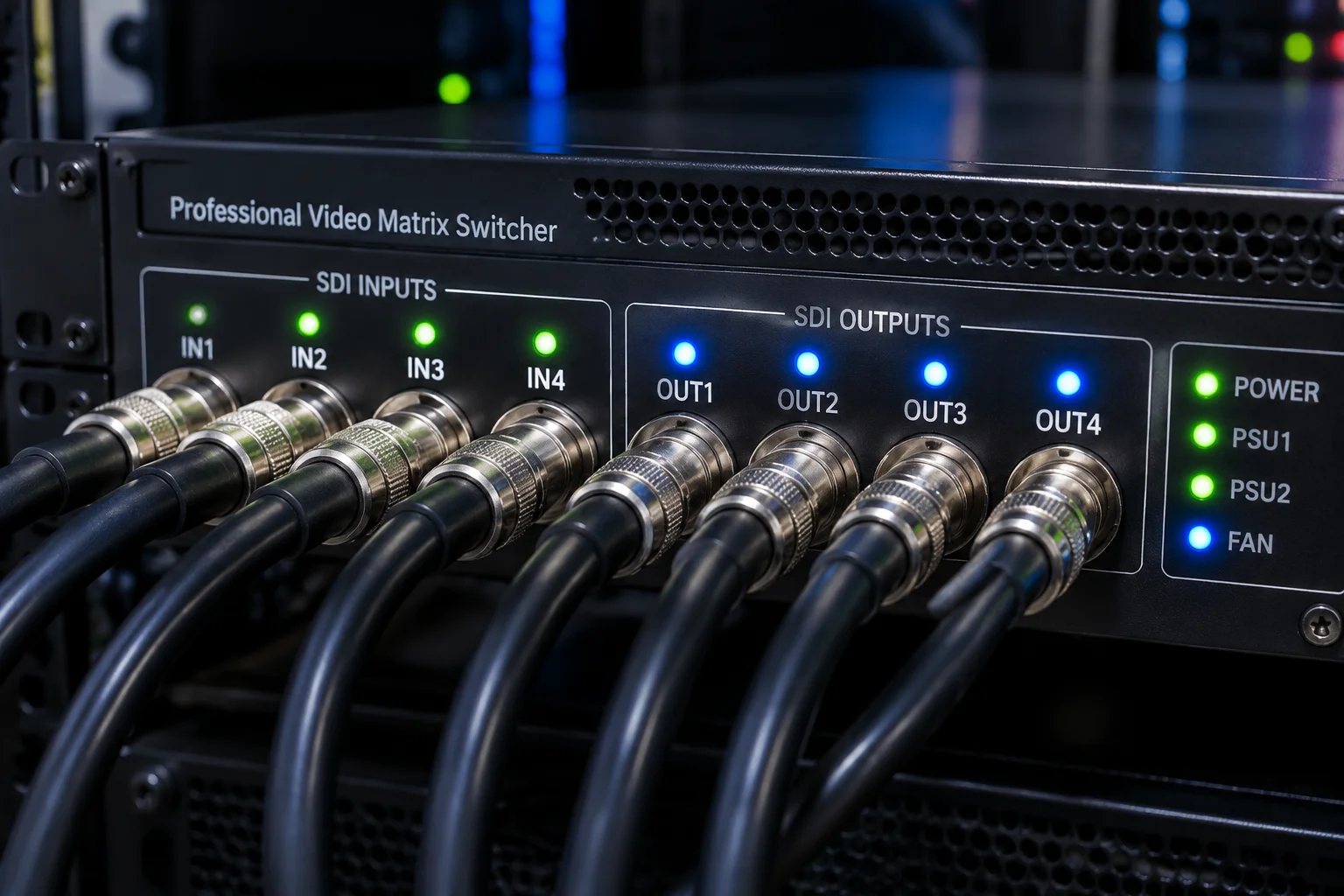
Live production environments frequently falter when technicians treat a physical output port as the direct visual canvas. Modern presentation engines decouple these layers intentionally. A logical screen represents what the software arranges—graphics, lower thirds, camera PIPs, or presenter timers. The physical output represents where the signal travels electrically, whether across 12G-SDI coaxial runs, fiber transceivers, or network NDI streams.
When you map logical destinations to hardware outputs, changes in stage staging or rented LED processors do not destroy slide styling or theme geometry. If a main LED wall controller requires swapping from Port 1 to Port 4 at front-of-house, you simply redirect the logical 'Main Audience' canvas to the new hardware output. Content dimensions, layer masks, and look presets remain completely untouched.
Practical Steps for Reliable Signal Assignment
Establishing an unshakeable connection between software destinations and display hardware demands a predictable sequence before rehearsal commences:
- Query native display EDID or processor boundaries before defining canvas parameters inside the workspace.
- Declare discrete logical roles for Audience Center, Auxiliary Banners, Downstage Monitors, and Broadcast Keying.
- Bind hardware ports directly to their respective logical identifiers using dedicated SDI capture cards or GPU pipelines.
- Lock synchronized refresh rates across all matrix ports to eradicate tearing and frame buffering lag.
A physical cable carries a raster; a logical screen carries a purpose. Confusing the two is why stage monitors suddenly show audience slides five minutes before keynote launch.
— Robert Chen, Systems Engineer
Mitigating Mid-Show Scrambling and Matrix Reassignments
During high-stakes conferences, routing matrix patches can change when a breakout room demands an overflow feed or an auxiliary monitor loses sync. When your software layout map preserves logical abstraction, re-routing takes five seconds inside hardware matrices or routing software without re-authoring presentation decks. Engineers can re-link the underlying physical output while audience lyrics, corporate graphs, and countdown clocks proceed uninterrupted.
James T.
The physical routing diagrams clarified a lot for me.
Elena M.
AuthorGood technical breakdown.
Submit Technical Field Note
Share display configuration experiences and routing parameters.
Discussion & Verified Feedback
2 Records