ProPresenter Screen Configuration and Output Review
Explore how Audience Screens, Stage Screens, Looks, and stage layouts relate to multi-screen presentation workflows.
An independent review guide focused on screen assignments and visual content routing.
Independent disclosure: OutputRoute Fieldguide is not affiliated with, endorsed by, or sponsored by Renewed Vision.
Engineering Screen Architectures & Signal Pipelines
An independent technical evaluation of multi-display routing logic, layer sequencing, virtual-versus-hardware allocations, and operational safeguards within modern live production environments.
Physical Displays vs. Virtual Outputs: Boundary Separation
ProPresenter decouples the software canvas from physical hardware sockets. By assigning graphics layers to logical screens first, technical directors avoid hardbinding slide styles to physical monitors. Virtual outputs (NDI and Syphon feeds, broadcast capture cards, and multi-display edge blends) can be composed independently from physical HDMI or DisplayPort connections.
Target disparate aspect ratios (16:9, 21:9, portrait side-banners) without warping graphics.
Reassign physical display adapters during live operations without tearing software slide themes.
Audience Screens vs. Stage Screens
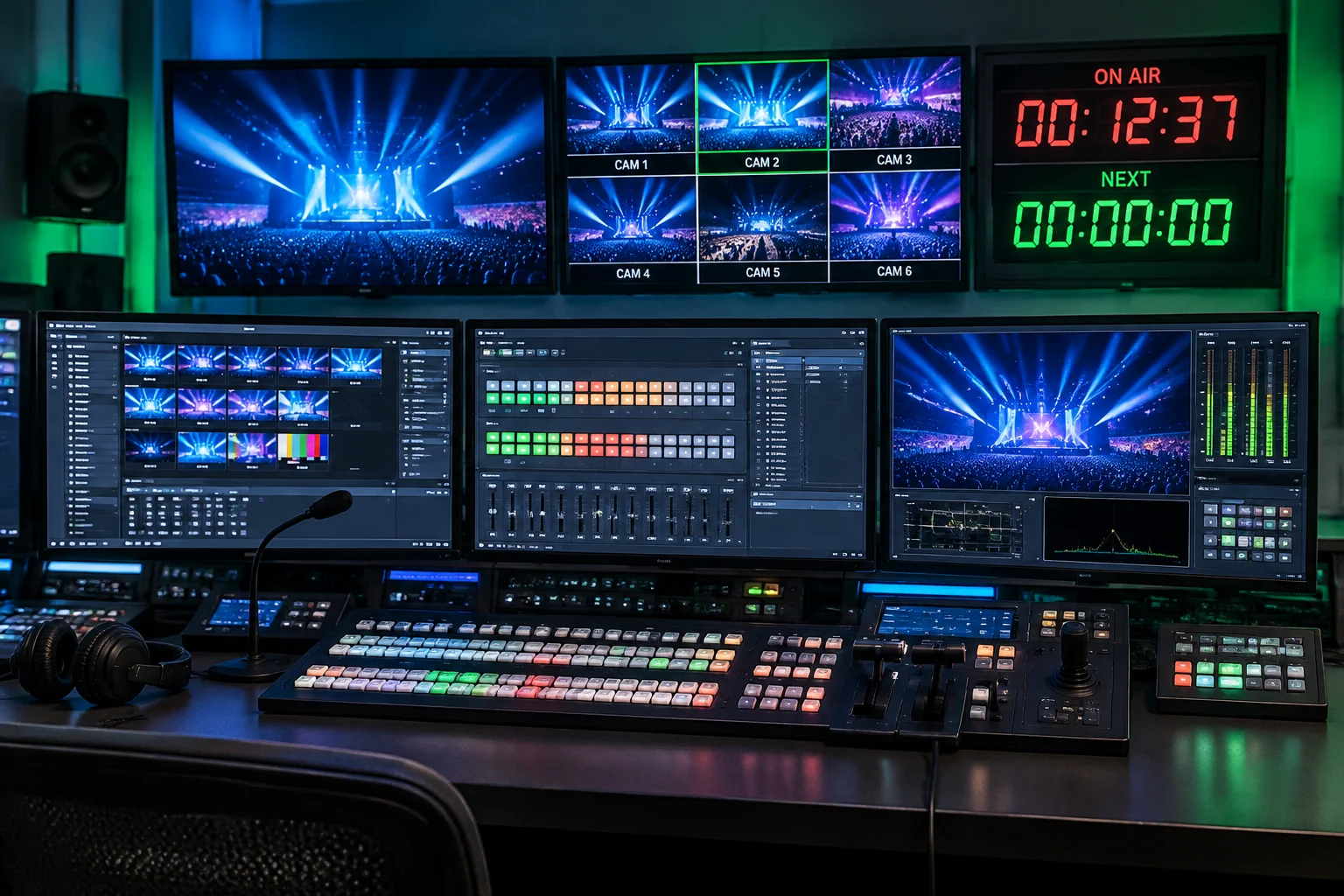
Understanding the strict operational boundary between Audience Screens and Stage Screens is foundational. Audience screens prioritize aesthetic rendering—handling high-resolution video playback, alpha channel transparency, lower-thirds overlays, and dynamic transition curves.
Conversely, Stage Screens bypass transitions and visual backgrounds to prioritize clarity, contrast, and real-time operational feedback. They supply high-legibility telemetry, current lyrics, predictive slide previews, timers, and production cues directly to on-platform presenters.
Functional Routing Matrix
-
Audience Pipelines Rendered through the complete 8-layer presentation stack with frame-accurate hardware sync.
-
Stage Pipelines Rendered through dedicated zero-latency text-layout engines paired with dynamic clock tokens.
Configuration Protocols
Always emulate or lock display EDID with inline distribution amplifiers to stop OS canvas reorganizations upon display power cycles.
Assign separate color spaces (Rec.709 vs sRGB) depending on broadcast switchers versus front-of-house projection destinations.
Mastering Screen Configuration & Port Targets
Screen configuration errors often stem from confusing internal software screen indices with operating system display identifiers. The configuration workflow requires creating descriptive logical identifiers (e.g., "FOH Main LED", "Stage Confidante 1", "Livestream Key/Fill") before assigning physical hardware targets.
Dedicated PCI-e capture/playback cards (such as Blackmagic DeckLink or UltraStudio) offer superior frame lock and eliminate desktop window management risks associated with native OS extended desktops.
Looks Engine: Audience Layer Visibility Control
The Looks architecture serves as the dynamic routing matrix for every audience screen. Each cue can instantly toggle or isolate layers: Video Input, Media, Slide Text, Announcements, Props, and Messages. This enables simultaneous multi-screen distribution from a single operator click.
For instance, a single lyric trigger can output full-screen motion graphics to the auditorium walls while concurrently routing a lower-third alpha-keyed clean text feed to the broadcast video switcher, using differing template styles per target screen.
Layer Visibility Matrix
| Layer | FOH Center | Side IMAG | Broadcast NDI |
|---|---|---|---|
| Media Background | Active | Bypassed | Bypassed |
| Slide Lyrics | Center Theme | Center Theme | Lower 3rd Alpha |
| Props & Bugs | Active | Bypassed | Active |
| Announcements | Bypassed | Bypassed | Stream Overlay |
Resolution Discipline & Pre-Show Verification
Preventing render hiccups and latency spikes demands rigorous display planning prior to hot production hours.
Resolution Matching
Rendering non-native canvas dimensions forces the graphics pipeline to perform runtime bilinear scaling. Maintain exact 1:1 pixel mapping with stage monitors and LED processors to minimize GPU strain.
Pre-Show Checklist
Conduct an end-to-end signal test validating EDID persistence, Stage display token clock drift, NDI network throughput, and Look cue overrides before auditorium doors open.
Hardware Boundaries
Operating system GPU bus saturation limits simultaneous 4K ProRes decodes. Distribute high-bandwidth video across auxiliary hardware switchers rather than burdening a single workstation canvas.
Two Audience Screens, One Stage Screen
A conditional event screen map and content matrix: two audience surfaces plus a single stage monitor, each receiving a distinct content role.
| Screen | Audience | Content Purpose | Assigned Output |
|---|---|---|---|
|
Audience Screen Left
|
Attendees |
Presentation visuals
Primary slide deck and keynote graphics for the left seating block. |
|
|
Audience Screen Right
|
Attendees |
Selected presentation content
Mirrored slides or an alternate Look for the right seating block. |
|
|
Stage Screen
|
Speaker |
Notes and next-slide context
Presenter notes, timers, and next-slide preview on the downstage monitor. |
State A · Mirrored Look
Both Audience Screens share a single Look: identical slide and media layers are visible on outputs 1 and 2. The audience sees a consistent presentation canvas across the room while the Stage Screen keeps its own speaker layout.
State B · Split Looks
A second Look isolates layers per audience screen: Screen A keeps full slide visuals while Screen B shows only selected content, such as camera feed or lower-thirds. Looks change which layers reach each audience output without rewiring hardware.
Stage Screen layouts are separate from Looks. Looks define which content layers are visible on Audience Screens. Stage Screen layouts define how presenter information, such as notes, clocks, and next-slide previews, is arranged on the stage monitor. Changing a Look does not alter a Stage Screen layout, and changing a Stage Screen layout does not alter what attendees see.